

Winbox Download APK
Get the Winbox App for Better, Faster Gaming
Enjoy a smoother and more convenient gaming experience with the Winbox App. Access your favourite games, manage your account, and enjoy seamless gameplay anytime, anywhere. Download Winbox on your mobile device for quick login and easy access to the platform.
Winbox App Info
Size: 35.87 MB • Category: e-wallet, gaming • Version: 2025.0107.001


Not a member yet? Register your Winbox account here.
HOW TO DOWNLOAD


Winbox Android APK
Download Guide
STEP 1:
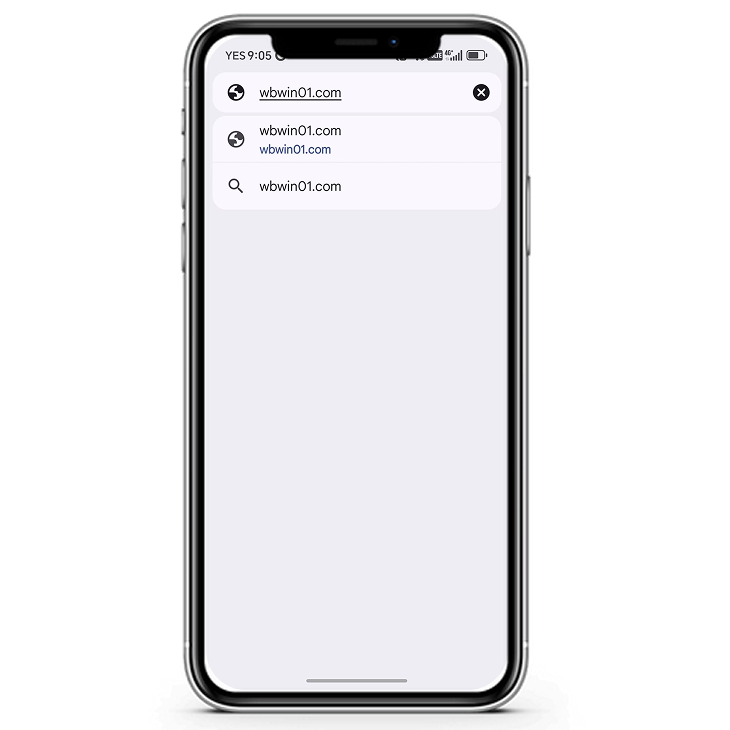
Click on the Android download above, or go to www.winbox.io/download to download.
STEP 2:
Select 'Download Android' >> click 'OK' >> downloaded and select 'Open'.
STEP 3:
Click 'Install' app >> You can log in to the APP.


Checklist Before Downloading
Before downloading a Winbox application, take a moment to check the following:
-
Ensure that you are on a stable internet connection.
-
As a safety measure, don’t download on a public WiFi network.
-
Check for sufficient storage and device requirements.
Winbox Download for Android
Enjoy a smoother and more convenient gaming experience with Winbox Download for Android. Access your favourite casino games directly from your smartphone - no need for web browsers. You can enjoy Winbox gaming wherever you are.
Benefits of Winbox APK for Android:
-
Quick Login: Access your Winbox account directly through the app.
-
Smooth Gameplay: Enjoy a mobile-optimised gaming interface.
-
Easy Navigation: Browse casino games and account features conveniently.
-
Instant Game Access: Launch your favourite games without opening a browser.
-
Convenient Account Management: Check your account details and gaming activity from your Android device.
Winbox Download for iPhone and iOS
For iPhone and iOS users, please use the browser-based H5 access rather than a dedicated iOS application.
App vs Browser Login: Which To Use?
Use the browser version if you only play occasionally and don’t mind slightly slower browser loading times. This is preferred if you want to skip the download.
Use the app version if you play more often, and prefer a more consistent gaming speed and efficiency during gameplay. Downloading and installing the app is fast and easy.
Common Winbox Download Problems
If a download or installation does not work, check these items:
-
Confirm that your device has sufficient storage space.
-
Check internet connection and operating system compatibility.
-
Note down installation messages or error logs.
-
Contact Winbox support if all else fails.
Download Safety and Responsible Gaming
We encourage players to prioritise security and responsible gaming when downloading and using the Winbox App.
Safety and responsible gaming tips:
-
Use a strong password and never share your Winbox login credentials.
-
Update the app to ensure optimised compatibility and security.
-
Establish your spending budget and playing time.
-
Never bet huge amounts that you cannot afford to lose.
-
Take regular breaks and seek support if gambling becomes difficult to control.
Frequently Asked Questions on Winbox Download
Is there an official Winbox app download?
The availability of an official application depends on the platform's current distribution arrangements. Check a verified publisher or authorised app store listing rather than relying solely on third-party download pages.
Can I access Winbox without downloading an app?
Some online platforms offer browser-based access, but availability and functionality vary. Verify the relevant website before signing in, and do not assume that every site using the Winbox name is affiliated with the platform operator.
Is it safe to download a Winbox APK?
An APK is an Android application package. Its safety depends on the file, publisher and distribution source. Do not install an APK unless you can establish that it is authentic and intended for your device.
What should I do if a download link does not work?
Avoid switching immediately to an unfamiliar mirror or alternative download site. Check the source, compatibility and any error message, then seek assistance through a verified support channel.
How can I tell whether a Winbox download page is genuine?
Check the domain, publisher information, app listing and any independently verifiable affiliation. Branding, HTTPS and search rankings alone are not proof that a website or file is official.